> ## Documentation Index
> Fetch the complete documentation index at: https://docs.trackerbot.xyz/llms.txt
> Use this file to discover all available pages before exploring further.
# Shop and Items
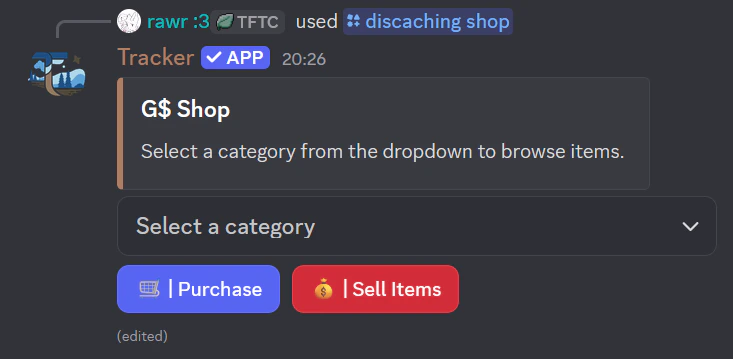
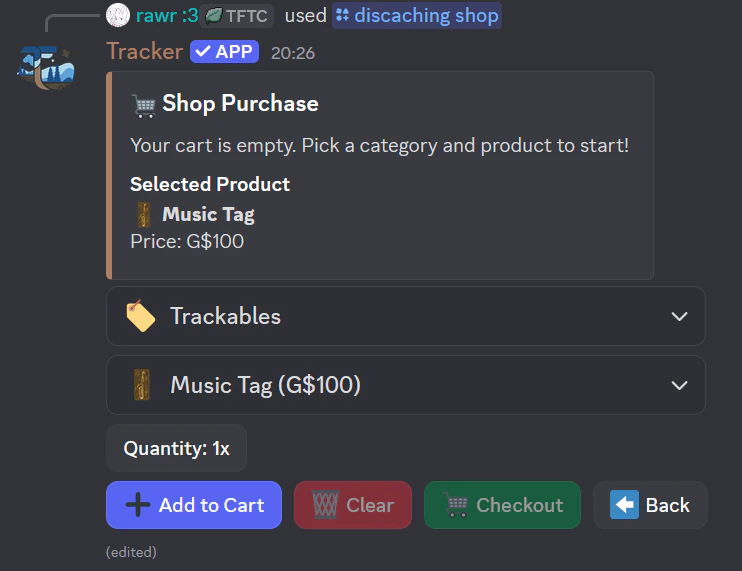
 Use `/discaching shop` to buy and sell items.
## Currency
* Main currency: **G\$**
* Starting balance: **G\$100**
* Daily reward: **G\$25** via `/discaching daily`
## Shop Categories
* Writing Instruments
* Container Accessories
* Containers
* Transport
* Trackables
* Stickers
* Swag
## Why item choices matter
### Writing Instruments
Used for '`Found It`' logs unless cache already has one. Each instrument has use count.
### Containers
Used to create hides. Have supported sizes and optional modifiers (size/color/log).
### Transport
Used for travel speed and range. Some items have persistent usage (vehicles), others are consumed (tickets).
### Trackables
Can be dropped in caches, discovered / shared, and gain distance travelled.
### Stickers and Swag
Used for collecting, placing, and cache swag exchanging.
Use `/discaching shop` to buy and sell items.
## Currency
* Main currency: **G\$**
* Starting balance: **G\$100**
* Daily reward: **G\$25** via `/discaching daily`
## Shop Categories
* Writing Instruments
* Container Accessories
* Containers
* Transport
* Trackables
* Stickers
* Swag
## Why item choices matter
### Writing Instruments
Used for '`Found It`' logs unless cache already has one. Each instrument has use count.
### Containers
Used to create hides. Have supported sizes and optional modifiers (size/color/log).
### Transport
Used for travel speed and range. Some items have persistent usage (vehicles), others are consumed (tickets).
### Trackables
Can be dropped in caches, discovered / shared, and gain distance travelled.
### Stickers and Swag
Used for collecting, placing, and cache swag exchanging.
 ## Selling Items
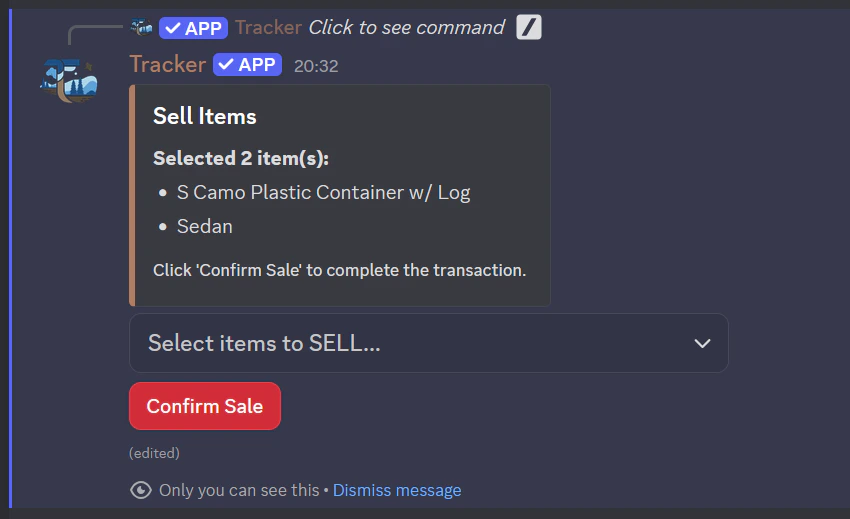
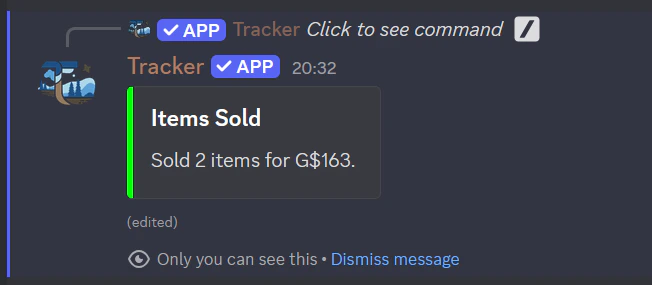
* Selling is available from the shop UI.
* Sale value is **50%** of item price.
* You can sell inventory items and collectible stickers.
## Selling Items
* Selling is available from the shop UI.
* Sale value is **50%** of item price.
* You can sell inventory items and collectible stickers.
 ## Crates
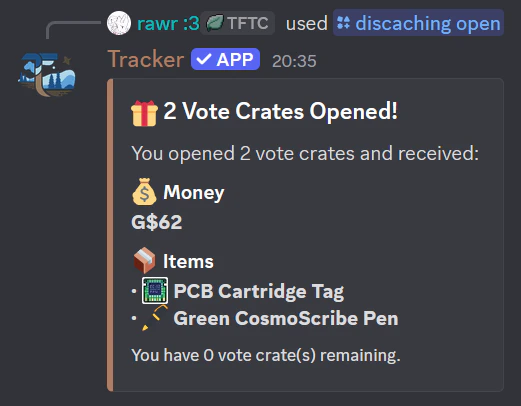
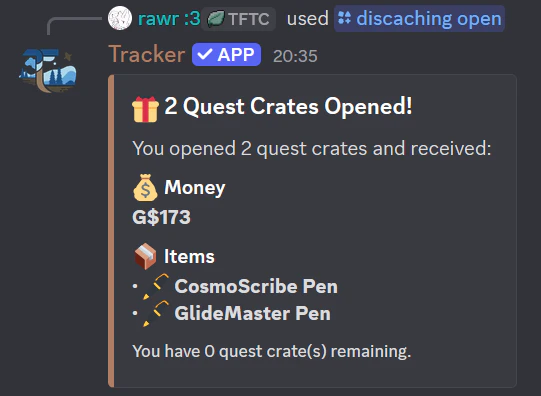
Use `/discaching open` with:
* Vote Crate
* Quest Crate
Crates give:
* Random money
* Random items
* Trackables
## Crates
Use `/discaching open` with:
* Vote Crate
* Quest Crate
Crates give:
* Random money
* Random items
* Trackables